

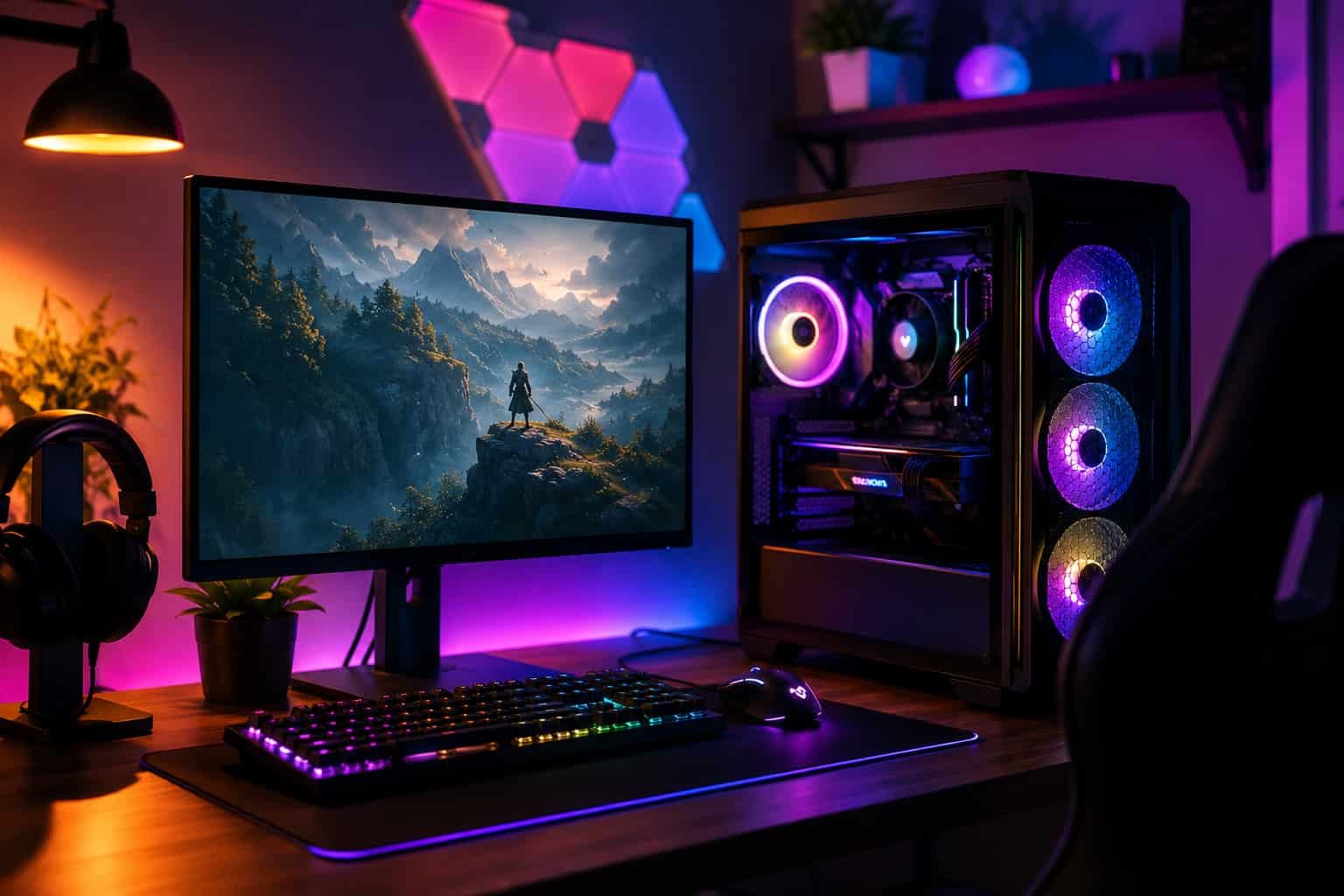
The first time I tried understanding Gaming PC parts, I honestly felt lost.
Every product name sounded like a secret code. Motherboards had names like “B660M DS3H AX DDR4,” graphics cards came with long strings of letters, and people online kept arguing about things like wattage, chipsets, and airflow as if everyone should already know what those mean.
If you’re new to building PCs and trying to create a budget gaming setup, you’re not alone.
Most beginners simply want a PC that:
- Runs games smoothly
- Doesn’t cost a fortune
- Works without compatibility problems
- Can be upgraded later
That’s it.
The good news is that building a solid budget gaming PC in 2026 is actually easier than it used to be. In my experience, once you understand the role of each component and where your money should go, everything starts making sense very quickly.
And honestly? You do not need a $2,000 RGB-heavy setup to enjoy gaming.
⚠️ Important Note
After learning how to build a budget gaming computer, the next step is finding Gaming Setup Ideas that improve comfort, cable management, and overall aesthetics.
Overview:
What Makes a Good Budget Gaming Setup?
A cozy budget gaming setup is all about smart priorities.
Most experienced builders recommend spending the majority of your budget on performance parts like the CPU and GPU instead of flashy RGB lights or expensive accessories. A strong 1080p gaming PC combined with affordable peripherals usually delivers the best value.
Many beginners also save money by:
- Buying used or refurbished parts
- Choosing wired peripherals over wireless
- Using a simple 1080p monitor
- Prioritizing SSD storage for faster loading times
In my experience, this strategy works extremely well because you’re focusing on actual gaming performance instead of aesthetics that don’t improve FPS.
First Things First: What Budget Should You Aim For?
For a beginner gaming PC, I think the sweet spot is around:
- $500 for entry-level gaming
- $700–$800 for a much smoother long-term experience
At this price range, you can comfortably play games like:
- Fortnite
- Warframe
- Battlefield
- Dark Souls
Most of these games will run at 1080p with medium to high settings and easily hit 60 FPS or more if your build is balanced correctly.
One thing I learned very quickly is this:
A balanced build matters more than buying the “best” single component.
A powerful GPU paired with a weak motherboard or cheap power supply can create problems later.
The Biggest Beginner Mistake: Spending Too Much on Looks
One of the smartest pieces of advice I found while researching budget gaming PCs was:
Skip RGB if your budget is tight.
And honestly, I agree.
Fancy lighting looks cool for Instagram photos, but it does not improve performance. I’ve seen many first-time builders waste money on:
- RGB RAM
- Expensive glass cases
- Extra lighting kits
- Premium fans
Meanwhile, they compromise on the GPU — the part that actually affects gaming performance.
If you’re building on a budget, prioritize:
- GPU
- CPU
- SSD
- Reliable PSU
- Airflow case
Everything else can come later.
The Best Tool for Beginners: PCPartPicker
I genuinely think every beginner should use PCPartPicker before buying parts.
This tool solves one of the biggest fears new builders have:
- “Will my parts even work together?”
It automatically checks:
- CPU and motherboard compatibility
- PSU wattage requirements
- RAM compatibility
- GPU clearance inside the case
In my experience, this removes about 80% of beginner anxiety immediately.
It also helps you compare prices and find deals, which matters a lot when working with a limited budget.
Understanding the Main PC Parts in Simple English
CPU: Your PC’s Brain
The CPU handles general processing and game logic.
For budget gaming builds, two CPUs were recommended constantly:
- Intel Core i3-12100F
- AMD Ryzen 5 5600
The AMD Ryzen 5 5600 is especially popular because it delivers excellent 1080p gaming performance without costing too much.
The “F” in the Intel Core i3-12100F simply means it does not include integrated graphics. That means you MUST use a dedicated graphics card.
A lot of beginners get confused by this naming system, so don’t worry if it initially feels complicated.
GPU: The Most Important Part for Gaming
If gaming is your main goal, your graphics card matters more than almost anything else.
Some of the most recommended budget GPUs include:
- Radeon RX 6600
- Radeon RX 6650 XT
- Radeon RX 6700 XT
In my experience, the Radeon RX 6600 is one of the best value cards for beginners.
It can comfortably handle:
- 1080p gaming
- Medium to high settings
- 60+ FPS in many modern games
If you can stretch your budget slightly, the Radeon RX 6650 XT offers noticeably better performance.
Why Your Motherboard Actually Matters
At first, I thought motherboards were just “something everything plugs into.”
But chipset choice matters more than beginners realize.
Many builders recommended avoiding basic H610 boards for gaming and choosing B660 or B550 boards instead.
Popular beginner-friendly options included:
- Gigabyte B660M DS3H AX DDR4
- MSI B550M PRO-VDH WIFI
- ASUS Prime H610M-E D4
The main reasons people prefer B660 or B550:
- Better upgrade support
- More RAM compatibility
- Better connectivity
- Improved long-term value
In simple terms:
A better motherboard gives your PC more room to grow later.
How Much RAM Do You Actually Need?
For modern gaming:
- 16GB RAM is still good
- 32GB gives more future longevity
Popular budget RAM kits included:
- TEAMGROUP T-Force Vulcan Z DDR4
- G.Skill Aegis DDR4
If your budget is extremely tight, start with 16GB and upgrade later.
That’s one of the best things about PC building:
You can improve your setup over time instead of replacing everything at once.
SSD Storage Is Worth It
Please do not build a gaming PC without an SSD.
Seriously.
An SSD makes:
- Windows boot faster
- Games load quicker
- Everything feel smoother
Some frequently recommended drives included:
- Kingston NV2 1TB
- Western Digital Blue SN570
- Crucial P2 1TB NVMe SSD
In my experience, a 1TB NVMe SSD is the perfect starting point for budget gaming builds.
Don’t Cheap Out on the Power Supply
This was probably the strongest warning repeated by experienced builders.
New users often want to save money on the PSU because it’s “not exciting.”
But a poor-quality PSU can create instability, upgrade limitations, or even damage components.
Some commonly recommended power supplies were:
- Enermax Revolution D.F. 650W
- Corsair CX750M
- BitFenix Formula Bronze 700W
A good rule for beginners:
- Aim for 650W minimum
- Choose trusted brands
- Leave upgrade headroom
You’ll thank yourself later when upgrading your GPU becomes easier.
Picking the Right PC Case
Cases are mostly personal preference, but airflow matters.
Many experienced builders suggested:
- Mesh front panels
- Included fans
- Easy cable management
Popular beginner-friendly cases included:
- Thermaltake V150 ARGB
- Fractal Design Focus 2 RGB
- Deepcool MATREXX 40
I’d personally prioritize airflow over appearance every time.
A cool-running PC usually performs better and lasts longer.
What About Monitors and Peripherals?
A lot of beginners forget these costs entirely.
You may also need:
- Monitor
- Keyboard
- Mouse
- Headset
For budget gaming, a:
- 24-inch
- 1080p
- 60Hz–144Hz monitor
…is usually the best value.
Wired peripherals are also much cheaper and more reliable for beginners.
Realistic Performance Expectations
One thing I appreciated from experienced PC builders was their honesty.
You do NOT need ultra-expensive hardware to enjoy gaming.
A well-balanced $700–$800 build can:
- Run esports games at high FPS
- Handle AAA games at medium/high settings
- Deliver smooth 1080p performance
In fact, several users reported getting:
- 80+ FPS in Battlefield
- 1080p Ultra settings in many games
- Smooth Fortnite gameplay
That’s honestly impressive for a budget-focused setup.
Helpful YouTube Channels for Beginners
When I was learning, these creators made PC building much easier to understand:
- JayzTwoCents
- Greg Salazar
- Hardware Canucks
- PC Centric
Watching real builds helps beginners understand:
- Cable management
- Part installation
- Airflow
- BIOS setup
- Troubleshooting
My Biggest Lesson After Researching Budget Gaming PCs
The biggest surprise for me was realizing:
Building a gaming PC is far less scary once you stop chasing perfection.
You do not need:
- The newest GPU
- DDR5 memory
- A giant RGB setup
- A $300 motherboard
You just need balanced components that fit your goals.
A simple build using parts like:
- AMD Ryzen 5 5600
- Radeon RX 6600
- 16GB DDR4 RAM
- 1TB SSD
…can already deliver an amazing beginner gaming experience.
Conclusion
If you’re new to building PCs, feeling confused is completely normal.
Every experienced builder started exactly where you are now — searching strange motherboard names, wondering what “F” means on a CPU, and worrying about compatibility issues.
The key is keeping things simple:
- Focus on performance first
- Use PCPartPicker
- Prioritize the GPU and CPU
- Don’t cheap out on the PSU
- Skip unnecessary RGB at first
- Aim for smooth 1080p gaming
In my experience, the best beginner gaming PC isn’t the flashiest one.
It’s the one that runs your favorite games smoothly, stays within budget, and gives you confidence to upgrade later.